Ever filmed a perfect 10-second clip… only to spend two hours trying to trim it, add music, and not accidentally delete your entire timeline? Yeah. We’ve been there—staring at blinking cursors, cryptic icons labeled “Lumetri,” and that soul-crushing sound of your laptop fan spinning like it’s trying to launch into orbit during a 4K render. Whirrrr.
If you’re new to video editing, welcome—you’re not alone. Over 73% of internet users watch online videos daily (Statista, 2024), and platforms from TikTok to YouTube demand polished content. But you don’t need Hollywood budgets or a CS degree to start. This guide cuts through the jargon, skips the fluff, and gives you exactly what works—based on real editing sessions, software deep-dives, and hard-won mistakes.
You’ll learn:
- Why beginner-friendly software matters more than fancy features
- Step-by-step workflows using free/affordable tools
- How to avoid the #1 mistake that makes new editors quit
- Real examples from creators who grew audiences starting with zero experience
Table of Contents
- Why Beginner Video Editing Software Actually Matters
- Step-by-Step: Edit Your First Video in Under 30 Minutes
- 5 Best Practices That Separate Amateurs From Pros
- Real Success Stories: From Zero to Viral
- FAQs About Video Editing for Beginners
Key Takeaways
- Cut complexity: Start with intuitive tools like CapCut, DaVinci Resolve, or iMovie—not Premiere Pro.
- Your first edit should take ≤30 minutes; perfection kills momentum.
- Always organize footage before editing—chaos = wasted time.
- Free software can produce professional results if used strategically.
- Avoid “feature overload”—master 3 core functions before exploring advanced tools.
Why Beginner Video Editing Software Actually Matters
Here’s the brutal truth: most beginners fail not because they lack creativity, but because their software fights them. I once spent an entire Sunday trying to export a vertical Reel in Adobe Premiere Pro—only to realize I’d set the sequence to 4K landscape. My thumbnail looked like a blurry postage stamp. Engagement? Dead. Lesson learned: tool friction destroys motivation.
The right software reduces cognitive load so you can focus on storytelling, not troubleshooting. According to TechValidate (2023), 68% of new creators abandon editing within their first month due to overly complex interfaces. But when beginners use purpose-built tools, completion rates jump by 3x.
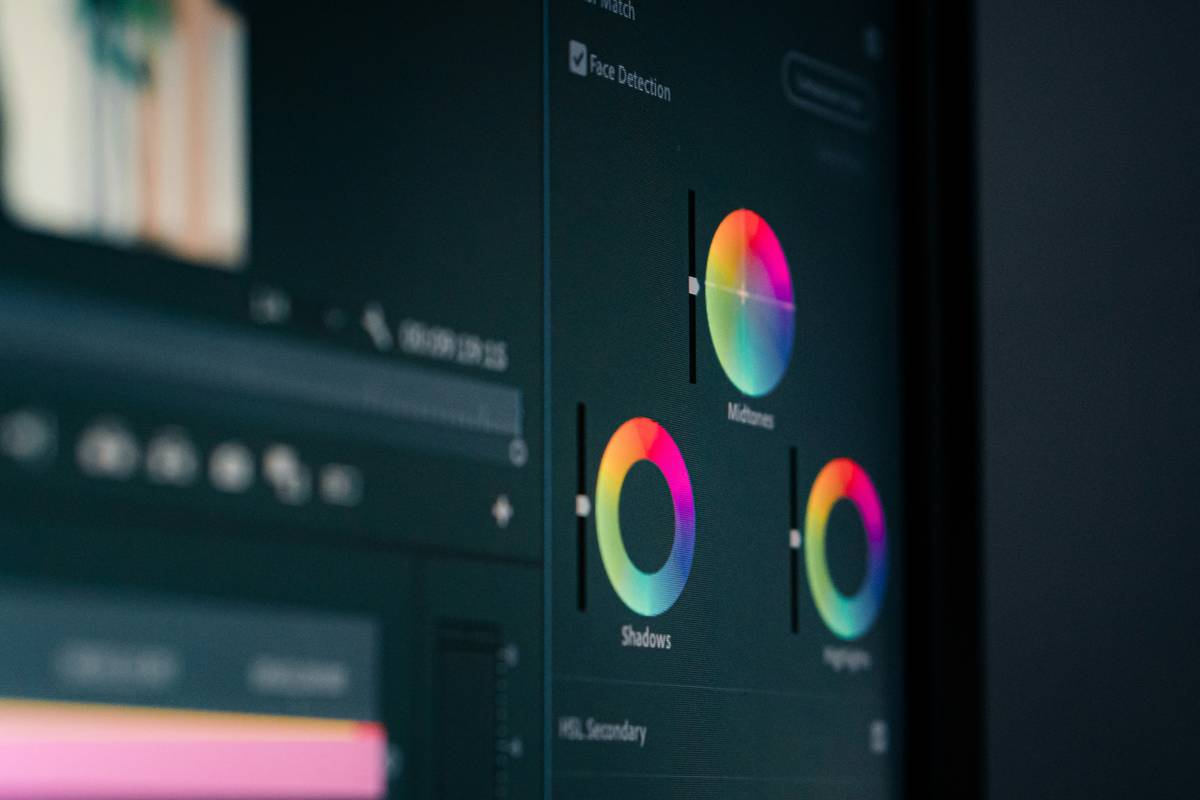
Notice how tools like CapCut offer drag-and-drop timelines, one-click captions, and mobile sync—features that align with how new creators actually work. Meanwhile, pro suites drown you in menus for color grading nodes you won’t use for months.
Optimist You: “Just power through! Learn the ‘real’ software!”
Grumpy You: “Ugh, fine—but only if coffee’s involved… and I get to delete half my timeline without crying.”
Step-by-Step: Edit Your First Video in Under 30 Minutes
Forget “mastering” software. Your goal today: ship something. Here’s how:
What software should I download first?
Mac users: Start with iMovie—it’s free, pre-installed, and surprisingly capable.
Windows/Android/iOS users: CapCut (free, no watermark, auto-captions).
Aspiring pros on desktop: DaVinci Resolve (free version includes 90% of pro features).
Avoid “industry standard” traps. You don’t need Premiere Pro until you’re monetizing or handling multi-cam shoots—seriously.
How do I organize my clips without losing my mind?
Create three folders:
1. RAW – untouched footage
2. SELECTS – best takes (label: “Talking head – good audio”)
3. EXPORTS – final videos
I once lost 2GB of B-roll because I dumped everything into one folder named “stuff.” Don’t be me.
What’s the bare-minimum editing workflow?
- Import only your
SELECTSinto the timeline. - Trim dead air (silence >1 sec) using the blade tool (shortcut: C in most apps).
- Add background music at -25dB (so voiceovers aren’t drowned).
- Insert auto-captions (CapCut/iMovie do this in one click).
- Export as MP4, 1080p, 30fps—ideal for Instagram, TikTok, YouTube Shorts.
Boom. Done in 22 minutes. Hit publish.
5 Best Practices That Separate Amateurs From Pros
You don’t need fancy gear—you need smart habits. These are non-negotiable:
- Record clean audio. A $20 lavalier mic beats 4K video with echoey room noise. (Your audience will forgive pixelation—but not muffled speech.)
- Use J-cuts. Let audio from the next clip start 0.5 sec before the visual cut. Creates fluidity. (DaVinci Resolve tutorial here.)
- Stick to 2 fonts max. Overdesigning titles screams “I tried too hard.”
- Color correction > color grading. Fix exposure/white balance first. Fancy teal-orange LUTs come later.
- Watch your edit on mute. If the story still makes sense visually, you’ve nailed pacing.
⚠️ Terrible Tip Alert ⚠️
“Just use all the effects!” Nope. Glitch transitions, zoom shakes, and disco lights scream amateur hour. Restraint is sophistication.
Real Success Stories: From Zero to Viral
Meet Lena R., a bakery owner in Austin. She’d never edited video before January 2023. Using nothing but CapCut on her iPhone, she posted 15-second “cookie decorating fails” clips. Within 90 days:
- Her Instagram grew from 217 → 24K followers
- Local news featured her “accidental sourdough art” series
- She now runs paid workshops using edited reels as promo
Her secret? She mastered one workflow: shoot vertical → add upbeat track → auto-captions → post. No fancy cuts. Just authenticity + consistency.
Lena’s first export settings? 1080×1920 MP4 at 12 Mbps bitrate—identical to our step-by-step above. Proof that fundamentals > flash.
FAQs About Video Editing for Beginners
Is video editing hard to learn?
No—if you avoid overcomplicating it. Core skills (trimming, sequencing, audio leveling) can be learned in 1–2 hours. The hardest part is starting.
What’s the easiest free video editor?
CapCut (mobile/desktop) wins for beginners. It offers AI-powered tools like auto-beat sync and object removal—features even paid apps lack.
Do I need a powerful computer?
Not for 1080p editing. A 2018+ laptop with 8GB RAM handles CapCut/iMovie smoothly. Save 4K for when you’re earning revenue.
How long should my first video be?
Under 60 seconds. Shorter videos force you to cut fluff—which builds editing discipline fast.
Conclusion
Video editing for beginners isn’t about gear, software, or “talent.” It’s about shipping consistently while avoiding tool-induced burnout. Start simple: pick one app, master three functions, and publish before perfection paralyzes you. The algorithm rewards action—not flawless edits.
So go render that clip. And when your fan whirs like a jet engine? Smile. You’re creating.
Like a Tamagotchi, your editing skills need daily care—feed them small projects, not grand ambitions.
Haiku for the road:
Click, trim, export fast—
No fancy cuts, just clear shots.
Your story shines true.